Examples
The three main examples show different levels of complexity. They run on the Linux and Windows desktop runtimes with keyboard input, and the same projects can be exported for the 3DS family. Lua code in the examples is free to modify, reuse, and redistribute.
Hello — easy
The starting point. Loads a palette, scene, and character sprite; moves with arrow keys /
D-pad; demonstrates wait, flips, and engine:spawn. Ideal for
learning the coroutine model and basic sprite/scene calls.
Linux
./tangy examples/hello/main.luaWindows
tangy.exe examples\hello\main.luaPong — medium
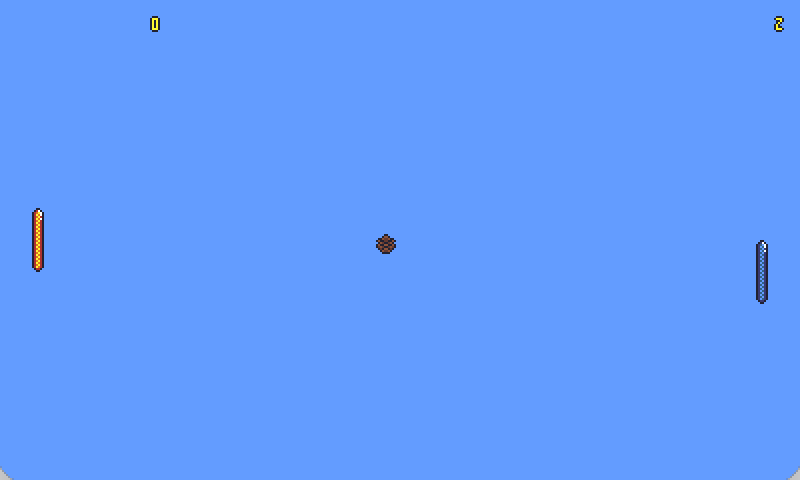
A complete mini-game with scoring, AI opponent, and audio. Built with reused assets from the platformer (paddles, ball, digits, SFX, music) so you can see how the same art packs into a different game without starting from scratch.
Linux
./tangy examples/pong/main.luaWindows
tangy.exe examples\pong\main.luaPlatformer — expert
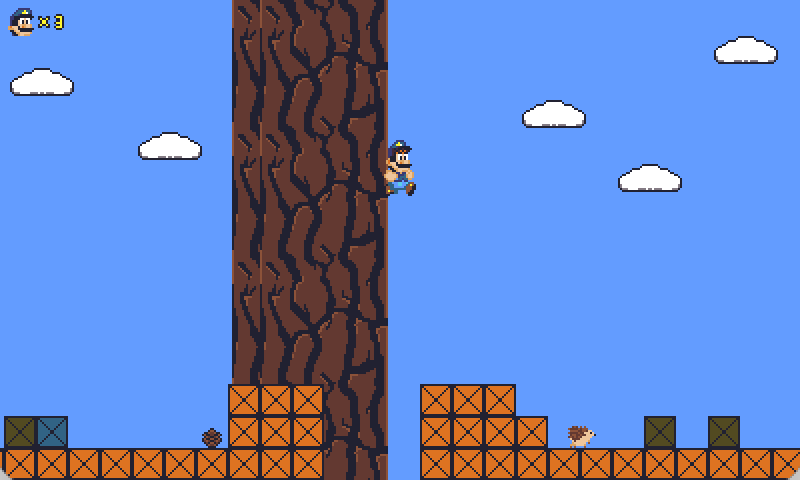
Showcases the entire feature set: menu splash, side-scroll physics, four-layer parallax, enemies, checkpoints, bounce pads, HUD, pause, OGG music and SFX, and richer Lua structure. Study this when you want to understand how a full Tangy game is put together.
Linux
./tangy examples/platformer/main.luaWindows
tangy.exe examples\platformer\main.luaReusing example Lua
The Lua source in examples/ is free to modify, reuse, and redistribute. Keep the
engine license in mind for the tools and runtime themselves — example scripts are yours to
learn from and build on.